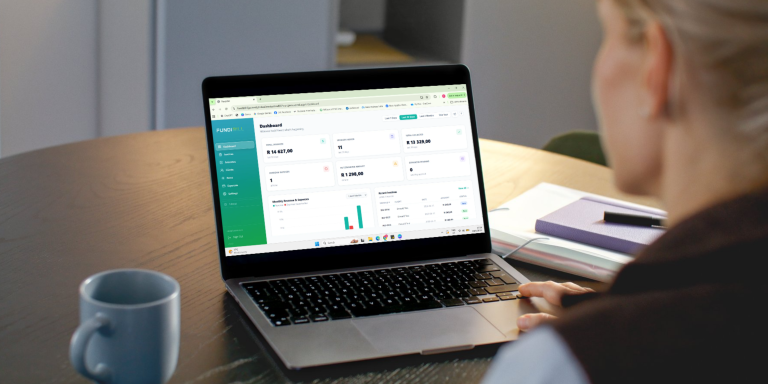
Running a small business means you’re constantly on the move.
One minute you’re finishing a job. The next you’re answering customer calls, replying to WhatsApps, buying supplies or driving to your next client.
Then you remember…
“I still need to send that invoice.”
By the time you get home, you’ve either forgotten or you’re too tired to open your laptop.
Sound familiar?
The good news is that you no longer need a computer or complicated accounting software to look professional. Today, you can create and send polished invoices directly from your phone in just a few minutes.
In this guide, we’ll show you exactly how.
Why Sending Invoices Quickly Matters
Here’s something many business owners don’t realise:
The faster you send your invoice, the faster you usually get paid.
Think about it.
If you finish a plumbing job on Tuesday but only send the invoice on Friday, your customer has already moved on with their week.
But if they receive it while you’re still packing up your tools, there’s a much better chance they’ll pay it sooner.
Sending invoices immediately also shows clients that you’re organised and professional.
It’s a small habit that can make a big difference to your cash flow.
Can You Really Create Professional Invoices on Your Phone?
Absolutely.
Modern invoicing apps are designed specifically for busy business owners who don’t spend their day sitting behind a desk.
Whether you’re a:
- Electrician
- Plumber
- Landscaper
- Hairdresser
- Photographer
- Freelancer
- Consultant
- Side hustler
- Small business owner
…your phone is all you need.
Instead of opening Word, Excel or searching for an invoice template online, you simply enter your customer’s details, add your services and send the invoice in minutes.
What Should Every Professional Invoice Include?
A professional invoice isn’t just about looking good. It should also include the right information so your customer knows exactly what they’re paying for.
Make sure your invoice includes:
✅ Your business name
✅ Your contact details
✅ Your customer’s name
✅ Invoice number
✅ Date issued
✅ List of products or services
✅ Total amount due
✅ Payment method
✅ Payment due date
Leaving out important information can delay payments because customers may need to contact you for clarification.
The easier you make it for someone to pay you, the better.
The Old Way vs The Smart Way
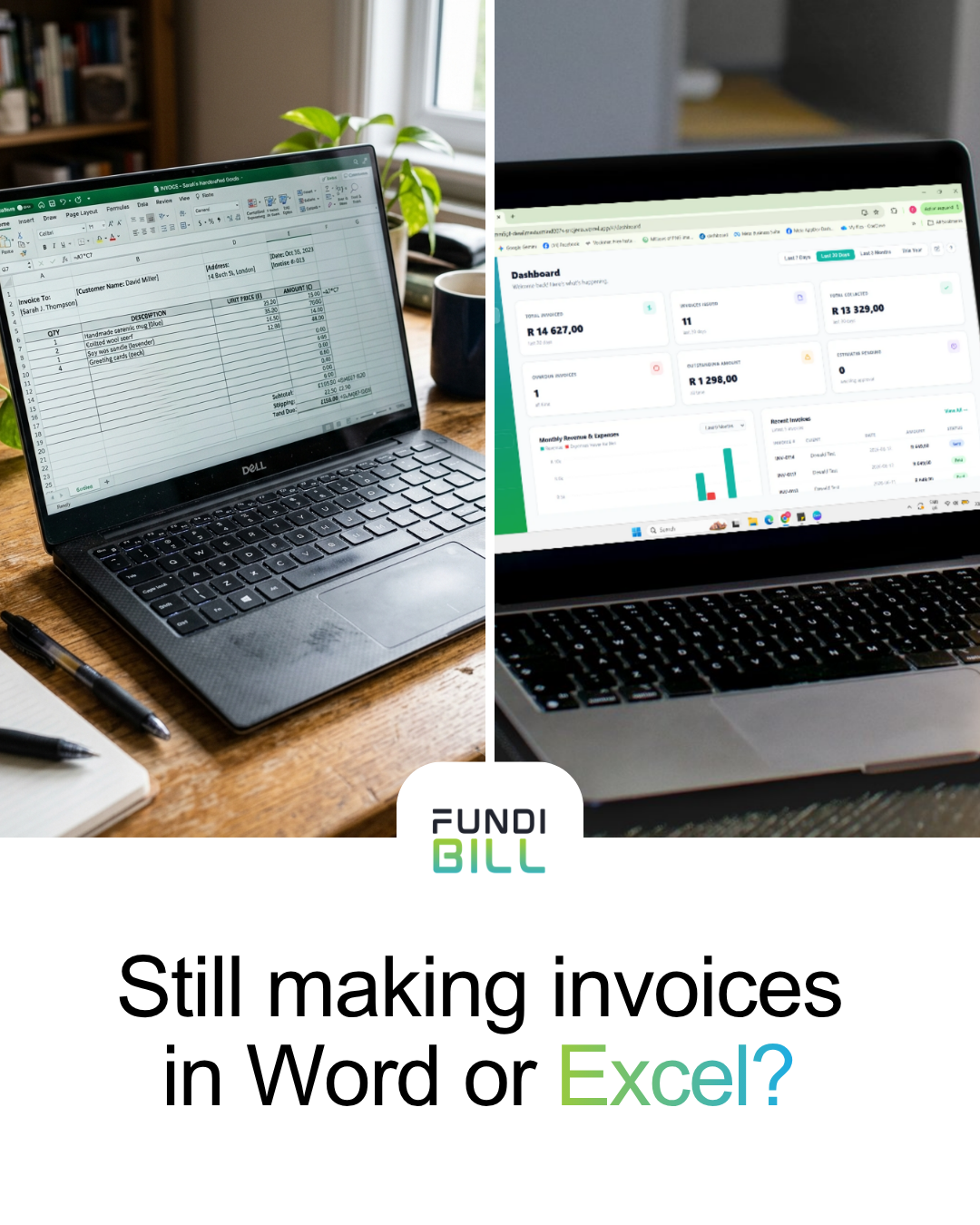
Let’s compare.
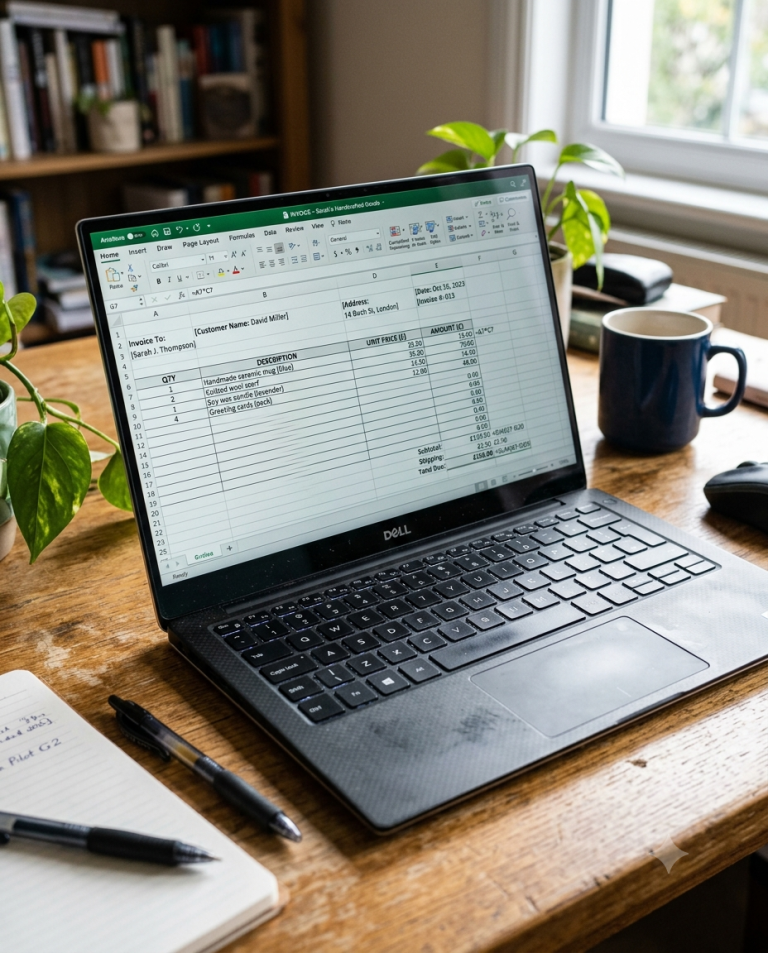
Using Word or Excel
Many businesses start here.
While it works in the beginning, it quickly becomes frustrating.
You have to:
- Find the latest invoice
- Duplicate it
- Change all the details
- Save it correctly
- Convert it to PDF
- Attach it to an email
- Hope you didn’t overwrite the previous invoice
One small mistake and your numbering is incorrect or you’ve accidentally sent the wrong invoice.
Using an Invoice App
An invoicing app removes all of that manual work.
Instead of worrying about formatting, the app handles it for you.
You simply:
- Choose your customer.
- Add your services.
- Review the total.
- Send.
That’s it.
Less admin.
More time running your business.
Why Mobile Invoicing Is Becoming the New Normal
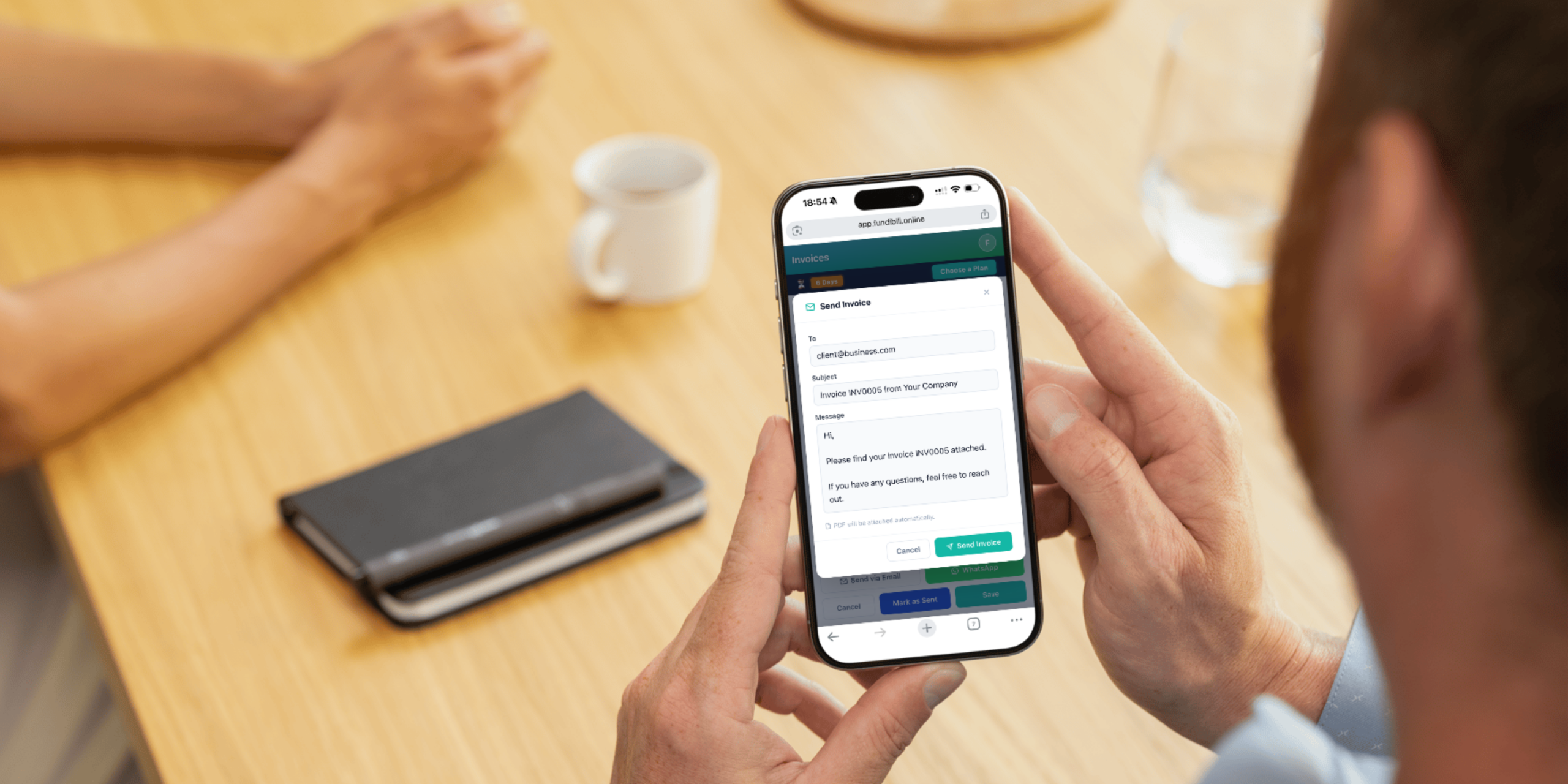
Think about where you spend most of your day.
Probably not behind a desk.
South African small businesses are becoming increasingly mobile.
Builders invoice from construction sites.
Garden services invoice before leaving the property.
Freelancers send invoices from coffee shops.
Consultants invoice between meetings.
Being able to invoice wherever you are means you don’t lose valuable time trying to “catch up on admin” later.
Common Mistakes People Make When Creating Invoices
Even experienced business owners make these mistakes.
Forgetting to Add Payment Details
If your customer doesn’t know where to pay, you’re adding unnecessary delays.
Always include your preferred payment method.
Waiting Too Long
The longer you wait…
The longer you’ll wait to get paid.
Try to invoice as soon as the work is completed.
Making the Invoice Look Untidy
Different fonts.
Random spacing.
Poor alignment.
An untidy invoice can unintentionally make your business look less professional.
A clean, consistent invoice builds confidence.
Not Numbering Invoices Properly
Invoice numbers help you keep track of your income and make it easier to find invoices later.
A good invoicing system should do this automatically.
Why Simplicity Wins
Many invoicing systems try to be everything.
Accounting software.
Payroll.
Inventory.
Tax.
Reports.
Budgets.
Forecasts.
For some businesses, that’s useful.
But if you’re simply trying to send invoices and get paid, all those extra features can feel overwhelming.
Sometimes, less really is more.
A Simple Way to Invoice from Your Phone
If you’re looking for an easy way to create professional invoices without complicated accounting software, that’s exactly what FundiBill was built for.
Instead of spending hours learning a complex system, you can:
- Create professional invoices
- Manage your customers
- Keep track of your invoices
- Work directly from your phone
- Start in minutes
No unnecessary features.
No steep learning curve.
Just simple invoicing for South African businesses.
👉 Explore FundiBill’s features: https://www.fundibill.online/
How Affordable Should an Invoice App Be?
One of the biggest misconceptions is that good software has to be expensive.
For many startups and small businesses, every Rand counts.
That’s why FundiBill keeps pricing simple.
For less than the cost of many takeaway coffees each month, you can manage your invoices professionally and spend less time on admin.
👉 See our pricing here: https://www.fundibill.online/pricing
Who Is FundiBill Perfect For?
FundiBill is designed for people who simply want to invoice clients quickly without complicated accounting software.
It’s ideal for:
- Freelancers
- Side hustlers
- Contractors
- Plumbers
- Electricians
- Hairdressers
- Landscapers
- Consultants
- Startups
- Small businesses
If your goal is getting paid faster while looking professional, you’re exactly who FundiBill was built for.
Ready to Stop Creating Invoices the Hard Way?
Running a business is already challenging enough.
Creating invoices shouldn’t be.
Whether you’re invoicing one customer a week or dozens every month, using your phone makes the process quicker, simpler and more professional.
Instead of spending your evenings editing Word documents or Excel spreadsheets, you can focus on growing your business and serving your customers.
Ready to simplify your invoicing?
👉 Visit https://www.fundibill.online/ to create professional invoices in minutes.
Can I create invoices on my phone?
Yes. Modern invoicing apps like FundiBill allow you to create, send and manage invoices directly from your smartphone without needing a computer.
Is mobile invoicing safe?
Yes. Using a trusted invoicing platform is generally much safer than storing invoice files across multiple devices or sending editable documents.
What’s the easiest invoice app for South African small businesses?
The best choice depends on your needs. If you’re looking for a simple, affordable solution focused on invoicing rather than full accounting software, FundiBill is designed specifically for startups, freelancers and small businesses.
Can freelancers use invoice apps?
Absolutely. Invoice apps are ideal for freelancers because they help create professional invoices, keep records organised and save time on admin.
Do I need accounting software just to send invoices?
No. If your main goal is to create professional invoices and get paid, a dedicated invoicing app is often a simpler and more affordable option than full accounting software.