Let’s be honest…
Most small business owners didn’t start their business because they love paperwork.
You became a plumber because you enjoy fixing things.
A photographer because you love capturing moments.
A consultant because you’re good at solving problems.
Yet somehow, every business ends up spending hours creating invoices, chasing payments and dealing with admin.
The good news?
It doesn’t have to be that way.
Today, there are dozens of invoice apps available, each promising to make your life easier.
But which one is actually the best for a South African small business?
Let’s compare your options and help you choose the right one.
Why More South Africans Are Switching to Invoice Apps
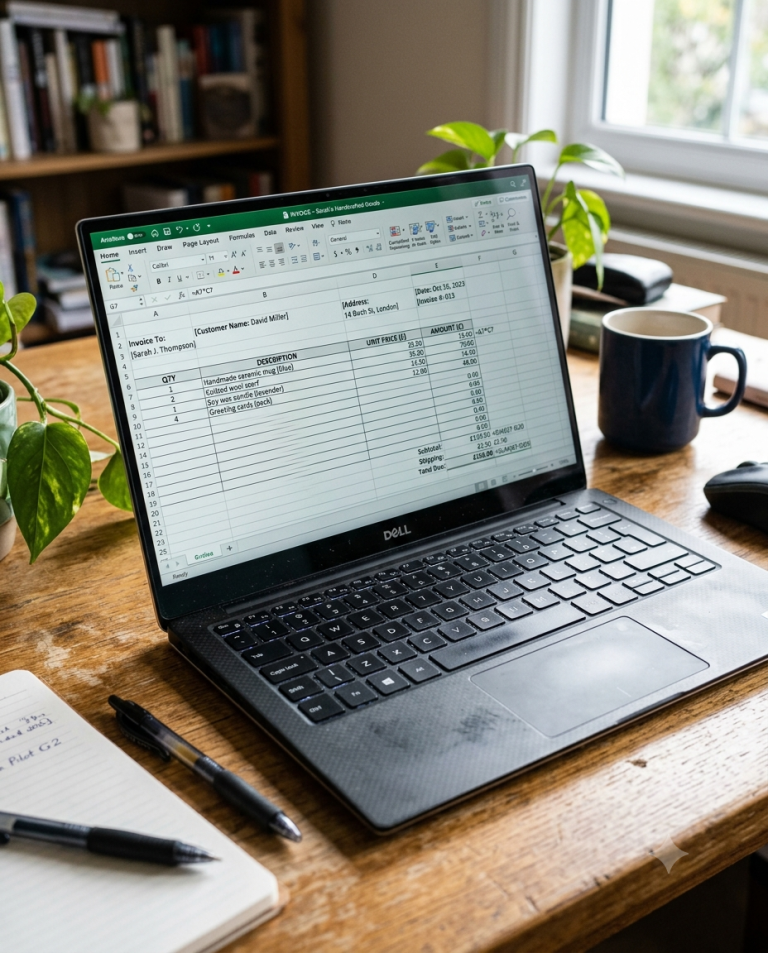
Not long ago, invoices were created in Microsoft Word.
Or Excel.
Some businesses even wrote them by hand.
Today, that’s changing.
Small businesses are becoming more mobile than ever.
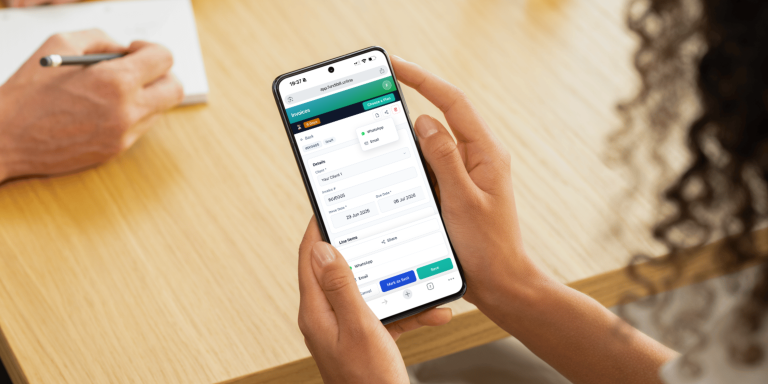
Whether you’re visiting clients, working from a coffee shop or finishing a job on-site, your phone has become your office.
That means your invoicing software should work just as hard as you do.
What Should You Look for in an Invoice App?
Before comparing different options, it’s worth asking:
What actually matters?
The best invoice app isn’t the one with the most features.
It’s the one that makes your life easier.
Here’s what most South African small businesses should look for:
✅ Easy to use
✅ Works on your phone
✅ Professional-looking invoices
✅ Customer management
✅ Keeps invoice history
✅ Affordable pricing
✅ No steep learning curve
If the software saves you time and helps you get paid faster, it’s doing its job.
Option 1: Microsoft Word
Many businesses begin with Word.
It costs nothing if you already have Microsoft Office, and you can find hundreds of free invoice templates online.
Pros
✔ Free templates available
✔ Easy to customise
✔ Familiar interface
Cons
✖ Manual invoice numbers
✖ No customer database
✖ Easy to make mistakes
✖ Time-consuming
Word works well for your first few invoices.
Not your hundredth.
Option 2: Microsoft Excel
Excel gives you slightly more flexibility.
It can calculate totals automatically.
But it’s still a spreadsheet.
Pros
✔ Automatic calculations
✔ Free templates
✔ Customisable
Cons
✖ Difficult on mobile
✖ Manual record keeping
✖ Doesn’t track customers
✖ Easy to overwrite files
If spreadsheets aren’t your thing, Excel can quickly become frustrating.
Option 3: Free PDF Templates
There are countless free invoice templates online.
They’re great if you only send one or two invoices every month.
The downside?
Every invoice starts from scratch.
Eventually, you’re spending more time editing documents than actually running your business.
Option 4: Full Accounting Software
Accounting software can be incredibly powerful.
Many platforms include:
- Payroll
- Inventory
- Tax reporting
- Financial statements
- Expense tracking
- Budget forecasting
For larger businesses, these features are valuable.
But for many startups, freelancers and small businesses…
They’re simply more than you need.
Learning complicated software just to send an invoice can feel like using a bulldozer to plant a flower.
Option 5: A Simple Invoice App
Sometimes simple really is better.
If your main goal is creating professional invoices quickly and getting paid faster, a dedicated invoice app often makes much more sense.
That’s exactly the problem FundiBill was built to solve.
Instead of overwhelming you with accounting features you’ll never use, FundiBill focuses on what matters most.
You can:
- Create professional invoices in minutes
- Manage your customers
- Keep your invoices organised
- Work from your phone or computer
- Spend less time on admin
Nothing complicated.
Nothing unnecessary.
Just invoicing made simple.
👉 Explore FundiBill’s features:
https://www.fundibill.online/features
Comparing Your Options
| Feature | Word | Excel | PDF Template | Accounting Software | FundiBill |
|---|---|---|---|---|---|
| Professional invoices | ✅ | ✅ | ✅ | ✅ | ✅ |
| Mobile friendly | Limited | Limited | Limited | Usually | ✅ |
| Customer records | ❌ | ❌ | ❌ | ✅ | ✅ |
| Automatic invoice numbering | ❌ | ❌ | ❌ | ✅ | ✅ |
| Easy to learn | ✅ | ⚠️ | ✅ | ❌ | ✅ |
| Built for small businesses | ⚠️ | ⚠️ | ⚠️ | ⚠️ | ✅ |
| Affordable | ✅ | ✅ | ✅ | ❌ | ✅ |
The best option depends on your business.
But for many South African startups, simplicity wins.
Who Should Use an Invoice App?
Invoice apps aren’t just for big companies.
They’re perfect for:
- Freelancers
- Plumbers
- Electricians
- Garden services
- Consultants
- Photographers
- Designers
- Builders
- Hairdressers
- Tutors
- Side hustles
- Small businesses
If you invoice customers regularly, an invoice app will almost always save you time.
How Much Time Could You Save?
Let’s say creating one invoice manually takes around 10 minutes.
You send:
25 invoices every month.
That’s over four hours of admin.
Every month.
Nearly two full working days every year.
Imagine what you could do with that extra time.
- Win another client.
- Finish another project.
- Spend more time with your family.
- Or simply enjoy your weekend.
Saving time is often more valuable than saving money.
What Makes FundiBill Different?
There are plenty of invoicing tools available.
So why did we build another one?
Because many small business owners told us the same thing:
“I don’t need accounting software. I just need a simple way to invoice my clients.”
That’s exactly what FundiBill is.
Simple.
Affordable.
Built for South African businesses.
Whether you’re starting your first side hustle or running an established small business, FundiBill helps you create professional invoices without the complexity.
Is FundiBill Right for You?
FundiBill is ideal if you:
✔ Want to invoice from your phone.
✔ Don’t want complicated accounting software.
✔ Want professional-looking invoices.
✔ Need an affordable solution.
✔ Want to spend less time on admin.
✔ Prefer software that’s easy to learn.
If that sounds like your business, you’re in the right place.
👉 See our pricing:
https://www.fundibill.online/pricing
The Bottom Line
There isn’t one “best” invoice app for everyone.
Some businesses genuinely need full accounting software.
Others are perfectly happy with Word templates.
But if you’re looking for something that’s:
- Simple
- Affordable
- Mobile-friendly
- Professional
- Designed for South African small businesses
Then FundiBill is well worth considering.
Because at the end of the day, invoicing shouldn’t be the hardest part of running your business.
Ready to Spend Less Time on Admin?
Every hour spent creating invoices is an hour you’re not growing your business.
FundiBill helps you get back that time.
Create professional invoices.
Stay organised.
Look more professional.
And focus on what you do best.
👉 Start using FundiBill today:
https://www.fundibill.online/pricing/
Frequently Asked Questions
What is the best invoice app for South African small businesses?
The best invoice app depends on your needs. If you’re looking for a simple, affordable solution focused on creating professional invoices rather than full accounting software, FundiBill is a great option for freelancers, startups and small businesses.
Can I create invoices on my phone?
Yes. Modern invoice apps like FundiBill let you create and send invoices directly from your smartphone, making it easy to invoice clients wherever you are.
Do I need accounting software to send invoices?
No. Many small businesses only need invoicing functionality. A dedicated invoice app is often easier to use and more affordable than full accounting software.
What’s better: Word, Excel or an invoice app?
Word and Excel work well when you’re just starting. As your business grows, an invoice app becomes faster, more organised and less prone to mistakes.